VPS Paid For: What to Do Before Launching a Website
Paying for a virtual server does not put a website online by itself. When a company selects a plan through https://vps-up.online/en/, it receives resources, an IP address and administrator access, while the web environment still has to be prepared. A site may pass a quick test and fail later because of an expired certificate, a full disk or a database service that does not restart after a reboot.

Prepare the server before moving traffic
Before uploading anything, check what the selected VPS rental plan includes. With an unmanaged virtual server, the provider maintains the physical infrastructure and virtualization platform, while the customer remains responsible for the operating system, installed software and website. Managed plans may cover some of these tasks, but their scope varies. If nobody on the team works with servers, it is better to involve an administrator before the migration rather than start looking for one during an outage.
The provisioning email usually contains the server IP address, operating system and main login credentials. These details provide access to the VPS, but the initial configuration should not be left unchanged. Before moving the site, it is worth completing several basic tasks:
- replace the temporary administrator password;
- create a separate user with the required privileges instead of using the root account for routine work;
- configure SSH-key authentication;
- install current operating system and security updates;
- use a firewall to allow only web traffic and protected administrative access.
Once access is secured, the server needs the software environment required by the project. Depending on the website, this may include Nginx or Apache, a particular PHP version, a database server and additional modules used by the CMS or application. Installing the newest available versions is not always the best approach. An older WordPress plugin, for example, may conflict with a recent PHP release. Migration problems also occur when the files and database are copied but scheduled tasks, server rules or required extensions are forgotten.
Storage should be checked before the website archive arrives. The required capacity includes not only the visible files but also the database, logs, temporary data and room for future growth. In the article «Choosing storage for the server: HDD, SATA SSD or NVMe SSD», the differences between common drive types are examined in more detail, which helps when capacity appears sufficient but disk performance may limit the website.
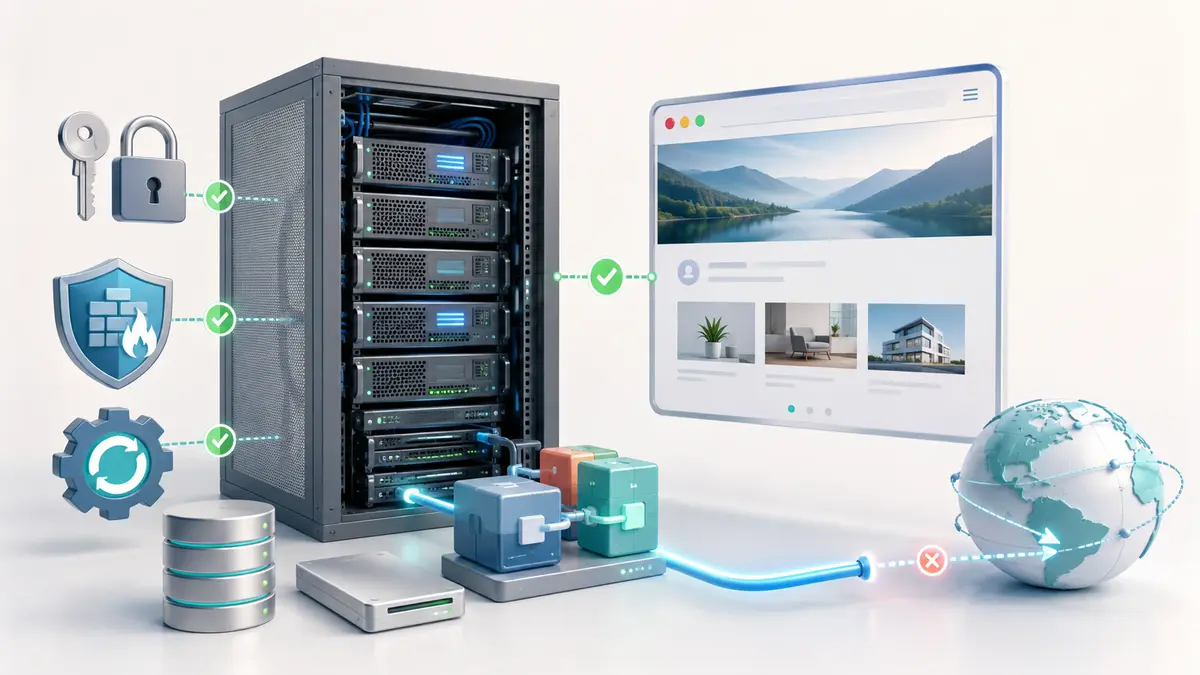
Once the environment is ready, upload the website files, import the database and update the credentials, server paths, file permissions and scheduled tasks. Before changing DNS, test the new copy through a temporary address or local hosts-file entry. This will reveal missing images, broken links and incompatible modules without affecting the live website.
Connect the domain and check the complete route
Once the website works correctly on the new VPS, several parts of the launch still remain outside the site itself. The domain must lead visitors to the right server, while secure access, message delivery and recovery mechanisms need their own checks.
Direct traffic to the new server
Once the copy works, the domain can be directed to the VPS IP address. The main domain normally uses an A record, while the «www» version needs its own A or CNAME record. Because DNS resolvers cache records according to their TTL, some visitors may continue reaching the old server for a while. Lowering the TTL before a planned migration can shorten this transition.
HTTPS should be enabled as part of the launch. A free certificate is suitable for most websites, provided that automatic renewal is configured and tested. HTTP requests should redirect to HTTPS, and pages should not load scripts, fonts or images through insecure URLs.
Check the services around the website
Forms require more than a visual check. A «message sent» notice does not prove that the email reached its destination. Authenticated SMTP is generally more reliable than a default mail function, while SPF, DKIM and DMARC records help receiving systems verify legitimate messages.
Backups should run automatically and be stored outside the virtual private server. Otherwise, a damaged server, deleted account or compromised administrator access may affect both the website and its only copy. Monitoring is also useful for detecting downtime, low disk space, excessive memory use and certificate problems before they become visible to visitors.
Before opening the site, make one final check:
- the domain and «www» version open the intended website;
- HTTPS works without browser warnings;
- forms, registration, search, checkout and payment functions have been tested;
- pages display correctly on desktop and mobile devices;
- scheduled tasks and certificate renewal are running;
- an off-server backup has been created and can be restored;
- temporary access restrictions and search-engine blocking have been removed.
A VPS launch is complete when the domain, application, mail delivery, backups and monitoring work together. Uploading the website files is only one part of that process.